E-Ink Experiments
Personal project: Concept · Design · Vibe coding
The idea
A screen you could leave on a desk, that looks like a paper map.
The work
E-ink is fun to work with: slow, matte, and it holds an image with no power running through it. It reads more like a paper map than a screen, which is most of why I like it.
I had a hike to the Lakes coming up, and thought it'd be fun to build something for the desk at home, somewhere people could glance at where I'd got to. Could work just as well for someone following a charity trek, or for a loved one's hike, hung on the wall instead of a photo.
I bought a Waveshare Pico-ePaper-4.2 panel and soldered a Raspberry Pi Pico onto the back of it. Wrote the code in MicroPython (partly vibe-coded), linked it to Ordnance Survey's free Maps API, and loaded in the GPX file of my planned route.
Once it was live (updating every few minutes with my grid reference, distance walked, ascent, and a small weather-based avatar), I did a quick render to check how it'd actually look sitting on a shelf before I'd finished it. Then built a second mode: zoom out and it shows the whole route across the country, not just the dot, so you can see how far you've actually gone.
Nice bit of overlap: I spend my working life on Ordnance Survey campaigns, then built a hiking tracker for fun that runs on their maps.
Enough to make me think it's worth building properly one day, could sit in a photo frame and work with an app instead.
Start to finish
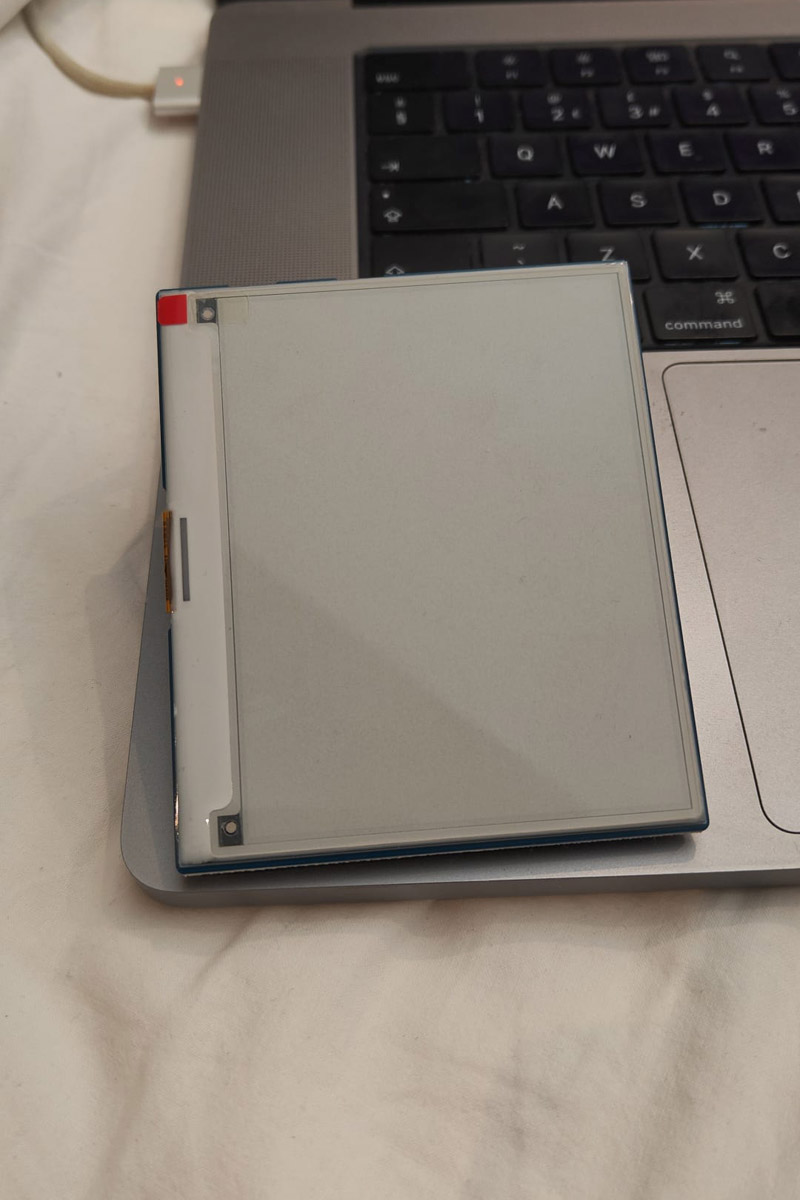
Blank, before any code touched it.
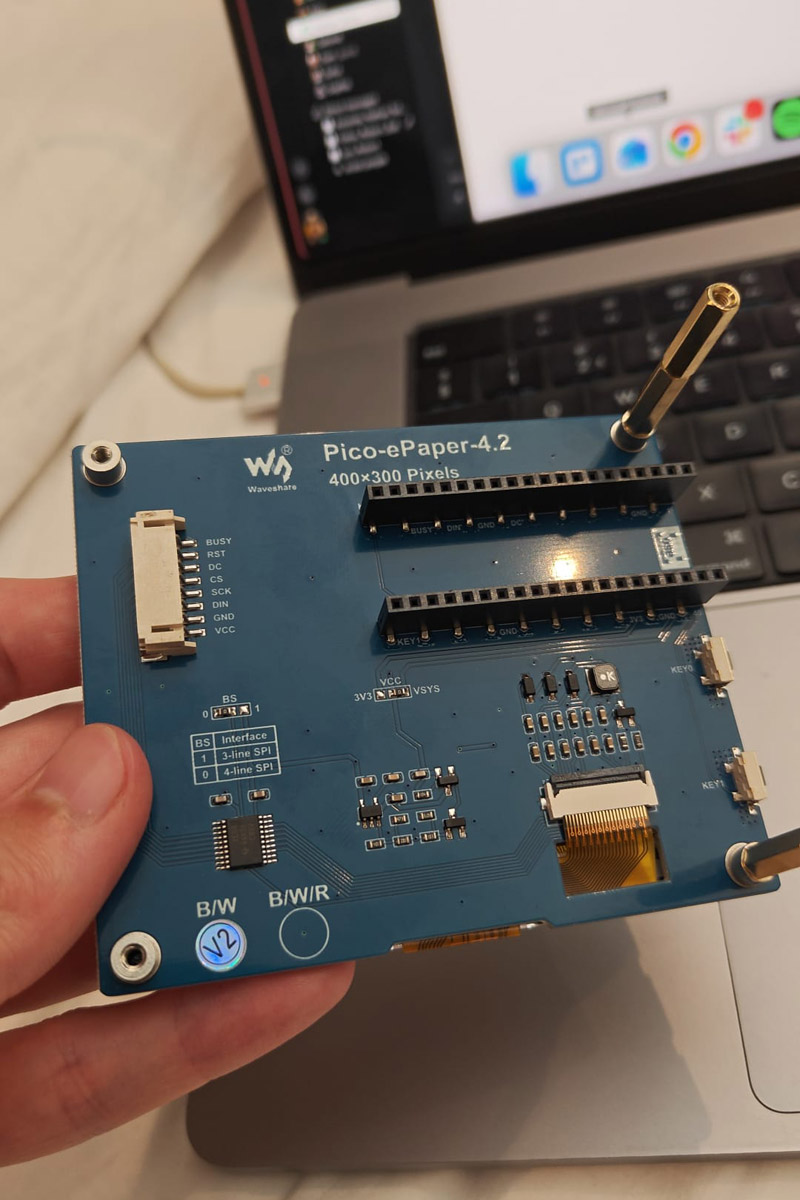
The board: a Waveshare Pico-ePaper-4.2, soldered up.
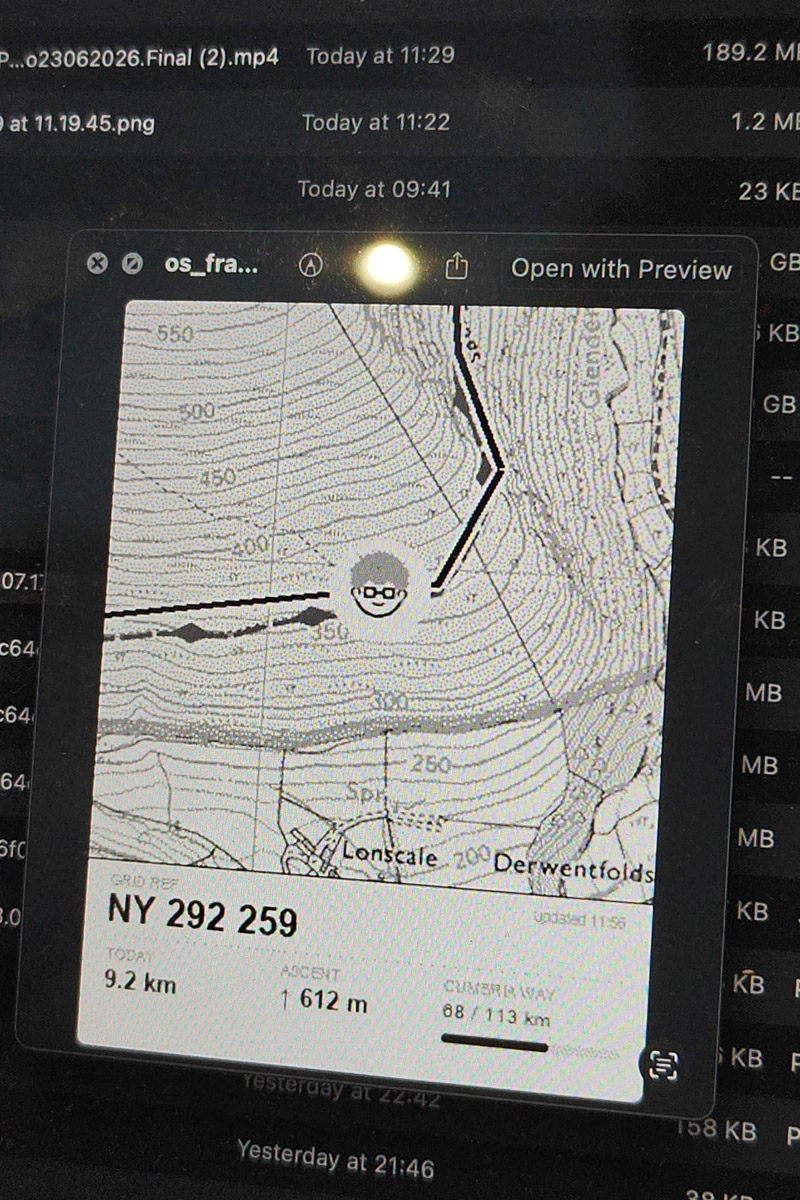
Testing what it'd actually render before it went anywhere near the display.
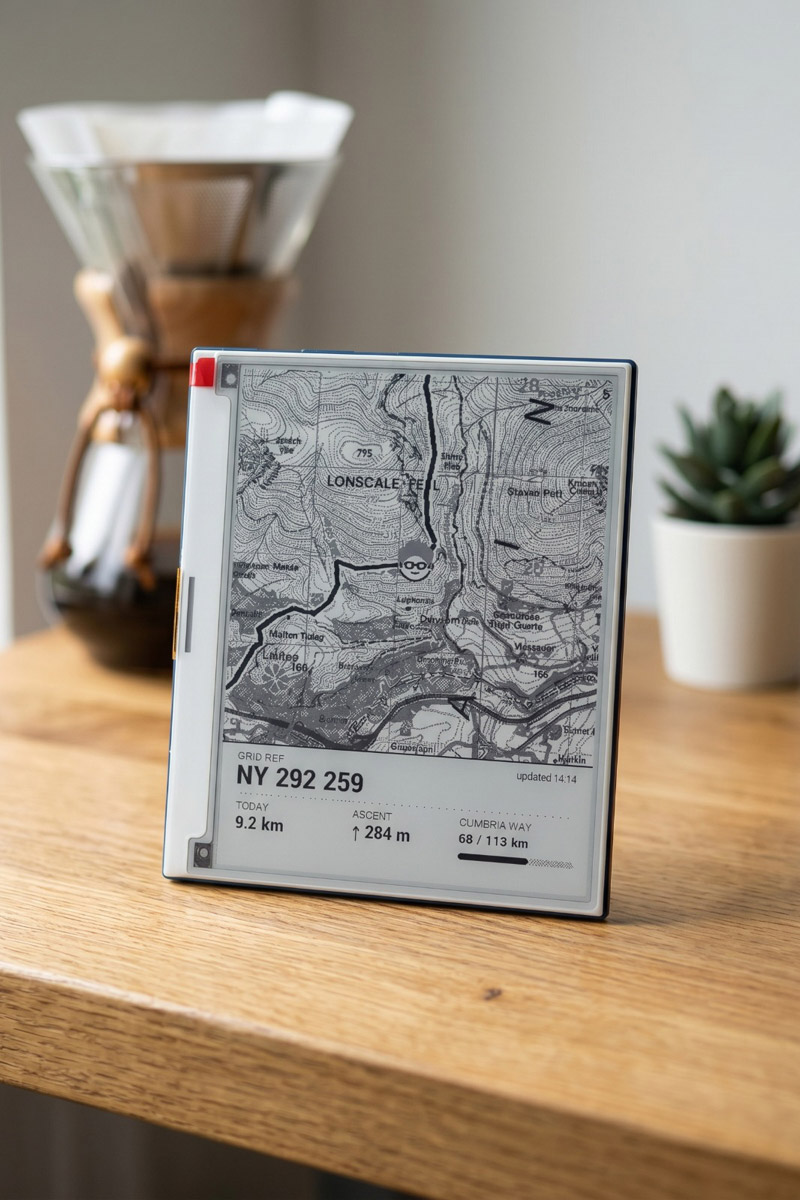
A quick render, to check how it'd look finished before it was.
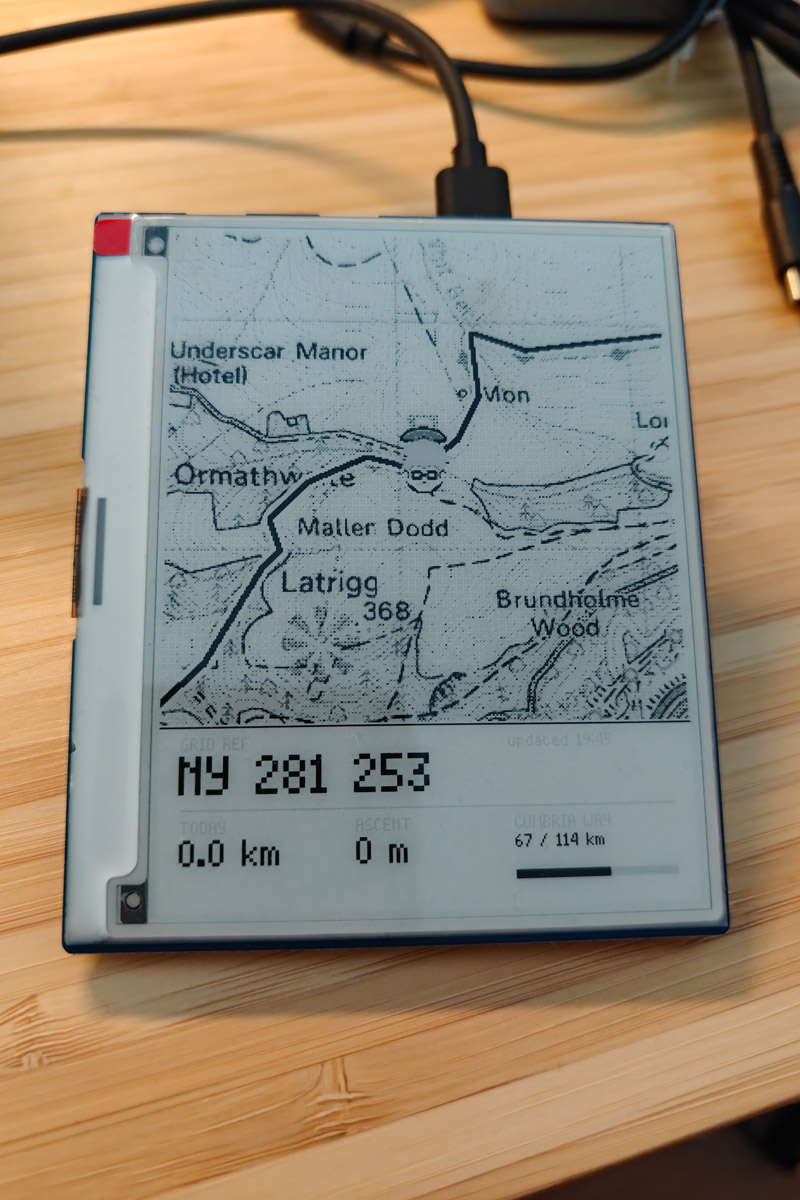
Live and working: local position, updating as I walked.
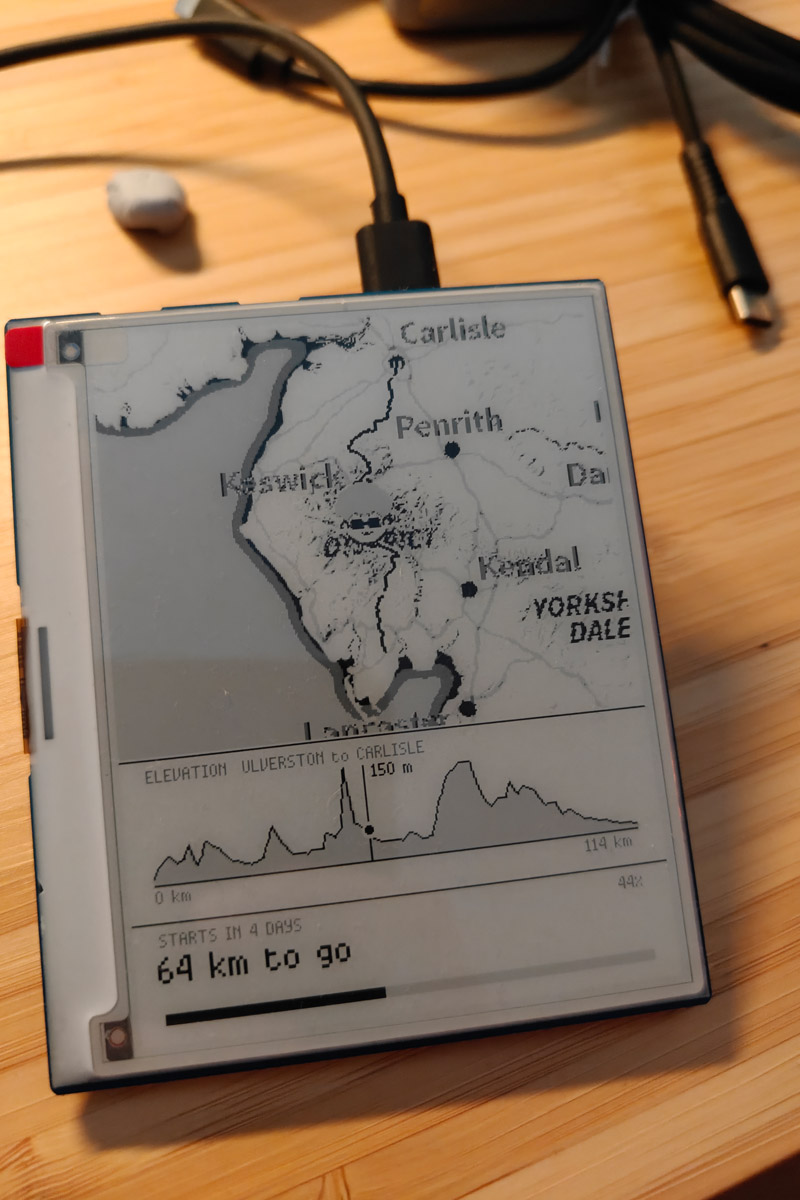
Zoomed out: the whole route, so you can see how far you've really come.